Windows 11 26H2 Now Installs Automatically: What to Do
Microsoft is now pushing Windows 11 26H2 to personal 24H2 and 25H2 PCs automatically. How to check your version, pause it, or stay on 25H2.
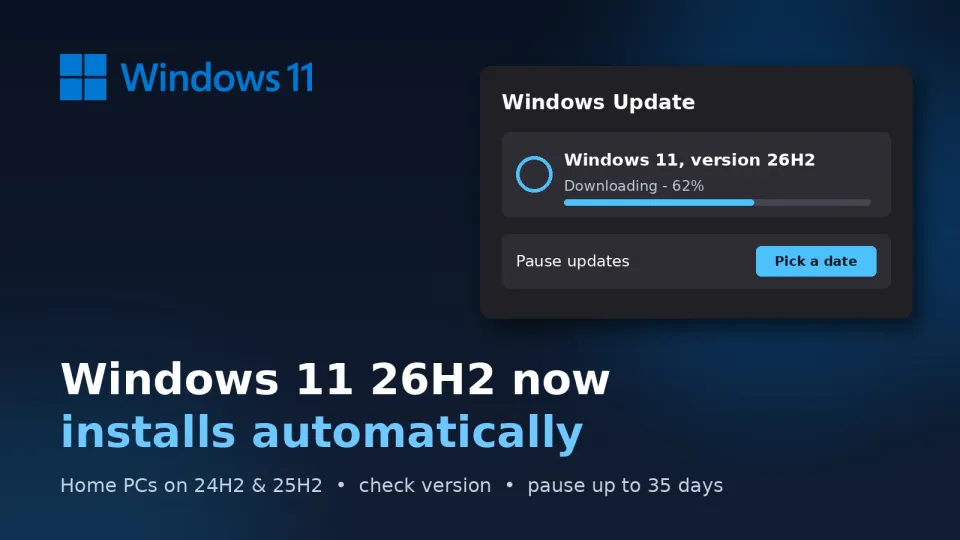
If your home PC runs Windows 11 24H2 or 25H2, it's probably going to update itself to 26H2 in the next few weeks, whether you click anything or not. Microsoft has switched the 2026 Update from "ask for it" to automatic for personal machines. For most people that's fine. Here's how to check where your PC stands and how to hold it back if the timing is bad.
What happened
Microsoft posted the change on its Windows 11 26H2 release health page, in a status note dated November 18. Up to now, 26H2 (also called the Windows 11 2026 Update) only arrived if you went into Windows Update and asked for it. Since late October every eligible PC could get it that way. From November 18, Microsoft is "gradually expanding automatic delivery", starting with 24H2 and 25H2 devices that aren't managed by an IT department.
In plain terms: personal laptops and desktops, plus small-business PCs nobody manages through Intune or similar tools, will start getting 26H2 pushed down like a normal update. It rolls out in waves, so your PC might get it tomorrow or in a month. BleepingComputer spotted the change on November 20.
| You're on | Build starts with | Home/Pro updates end | What the rollout means for you |
|---|---|---|---|
| 24H2 | 26100 | Already ended (Oct 13, 2026) | Good news. You get back onto a supported version |
| 25H2 | 26200 | Oct 12, 2027 | Optional for now, but it will arrive anyway |
| 26H2 | 26300 | Oct 10, 2028 | Nothing to do |
| 26H1 | 28000 | Mar 14, 2028 | Not offered 26H2. That's expected |
Dates are from Microsoft's Windows 11 release information page. Enterprise and Education editions get a year longer on each.
Why it matters
The big one is 24H2. Home and Pro editions of 24H2 stopped getting security fixes on October 13. Anyone still on it has been running an unpatched PC for over a month, often without knowing. So for them, the automatic push actually helps.
For 25H2 users, it's more of a heads-up. 26H2 is an enablement package: the 26H2 code already sits on your PC from the monthly updates, and the package just switches it on. It's a quick install with one restart, not a two-hour reinstall. You can see how close the versions are in this week's releases. On November 19, 25H2 got build 26200.10075 and 26H2 got 26300.10075, the same revision number.
The open issues list is short for home users. The USB audio Code 10 bug that hit some older USB DACs and headsets was fixed in the November 10 update. The one confirmed issue still open is about SQL Server linked server connections. That's a server problem, not something you'll see on a gaming PC or a school laptop.
What to do
- Check your version. Press Win + R, type
winverand press Enter. A build starting with 26100 is 24H2, 26200 is 25H2 and 26300 is 26H2. - On 24H2? Just update. Go to Settings > Windows Update, click Check for updates, and pick Download & install for 26H2. Don't wait for the automatic wave.
- Back up first. Copy anything important to a drive or cloud storage, and make sure you know where your BitLocker recovery key is saved. It's a small update, but that's a two-minute habit worth keeping.
- Need to delay it? In Settings > Windows Update, use Pick a date under Pause updates. Microsoft's pause guide says you can pause for up to 35 days and extend later. Keep in mind this pauses security updates too.
- Pro and want to stay on 25H2? In Group Policy, open Computer Configuration > Administrative Templates > Windows Components > Windows Update > Manage updates offered from Windows Update, and enable Select the target Feature Update version with "Windows 11" and "25H2". Microsoft documents this policy for Pro and up. Monthly security updates keep coming.
My take
I'd let it install. I said the same thing a month ago in my 26H2 "should you update" guide, and nothing on the known issues page since then changes my mind. If anything, the last few weeks made the case stronger. The October and November updates caused trouble on 24H2, 25H2 and 26H2 alike, because they share the same code. Staying on an older version doesn't protect you from a bad monthly patch. Staying current does.
The people this really helps are the ones who never open Settings. Plenty of family PCs and old laptops are still on 24H2, and they've been missing fixes since October 13 without anyone noticing. A forced push fixes that quietly.
When would I hold off? If you've got exams, a deadline or a live stream this week, pausing for a couple of weeks is perfectly reasonable. If you rely on a specific old driver, like a USB audio interface or a capture card, check the maker's site for 26H2 notes first. And on a work laptop, leave it to IT. This rollout skips managed devices anyway.
If something goes wrong after the update, the usual tools still apply. You can roll back from Settings > System > Recovery within the first few days, and if the update itself hangs at a percentage, my Windows Update stuck fix covers it. More Windows fixes are in my Windows 11 fixes hub. I'll update this post if Microsoft adds a safeguard hold or a new known issue during the rollout.


Comments ()