Gemini Can Now Read Your Spending via Google Wallet
Gemini can now connect to Google Wallet and your bank accounts via Plaid in the US. What it sees, what Google stores, and how to turn it off.
Gemini can now look at your spending. Google started rolling out a Google Wallet connection for the Gemini app on November 13, and if you also link your bank or card accounts to Wallet, the chatbot can answer questions using your actual transactions. It's opt-in, it's US-only for now, and before you flip it on it's worth knowing exactly what you're handing over.
What happened
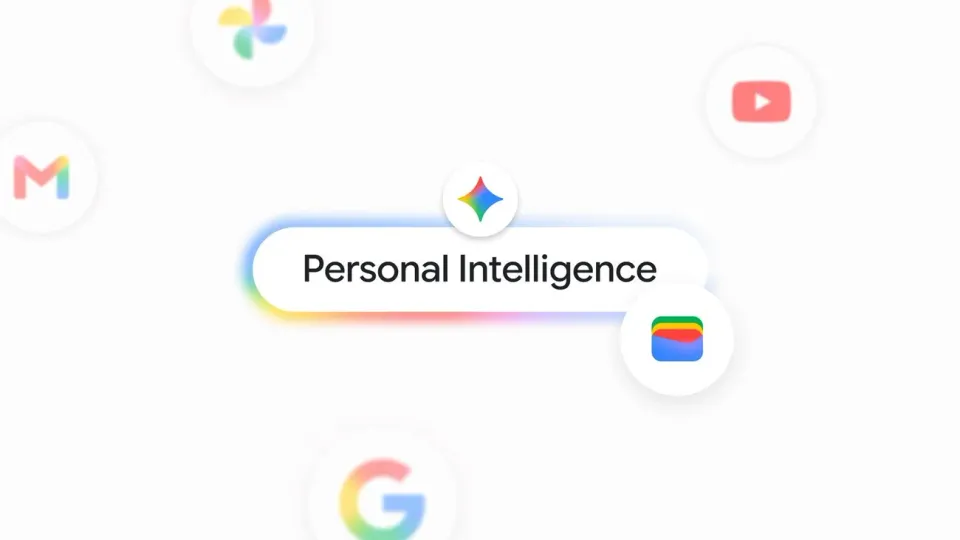
Google announced on its Keyword blog that Google Wallet is the newest app you can connect to Personal Intelligence, the Gemini feature that already pulls context from Gmail, Photos, YouTube and Search. Once it's on, you tag @Google Wallet in a chat and ask about your money. Google's own examples include reviewing last quarter's spending to find savings, hunting down subscriptions you forgot about (and which ones got more expensive this year), and building a holiday budget from what you spent on gifts and travel last year. Gemini can answer with charts of cash flow and budgets right in the chat.
The deeper insights come through Plaid, the fintech company that sits between apps and banks. Plaid's post says you can link bank accounts, credit cards, loans and investment accounts to Wallet, and Gemini then reads that data. Google says the access is read-only: Gemini can't move, manage or invest your money. It works on Android, iOS and the web, but only for Gemini users in the US. 9to5Google, which first spotted the integration in September, says the switch lives under Customize, then Connectors in the Gemini app.
Why it matters
This is a bigger step than letting Gemini read your email. Your bank transactions say where you live, where you eat, what you take, who you send money to and roughly how much you earn. Putting that next to Gmail and your search history in one assistant makes the answers more useful, and it also makes that one account a much juicier target.
It's also worth reading the fine print on the Plaid side. Google's help page for Plaid-linked accounts says Plaid uses your bank login details to connect, and that both Plaid and Google keep your account number, routing number, transaction history, balance and basic identity details (name, address, phone, email) for as long as the account stays linked. Read-only means nobody can spend your money through Gemini. It doesn't mean the data isn't stored.
What to do
- Decide if you want it at all. Nothing is switched on by default. If you're happy budgeting in a spreadsheet or your bank's app, you can simply ignore it.
- If you try it, start with Wallet alone. Connect Google Wallet in Gemini first and see what it can do with the cards already in Wallet before linking whole bank accounts through Plaid.
- Link only the account you need. If you want subscription hunting, one credit card is usually enough. There's no reason to hand over your loan and investment accounts too.
- Know how to turn it off. The Gemini side is a toggle under Connected Apps in Personal Intelligence settings. To actually stop the data flow, also remove the linked account in Google Wallet's settings under Accounts linked with Plaid, and check Plaid Portal for any old connections from other apps.
- Lock down your Google account first. Use a passkey or an authenticator app, not SMS, and run Google's Security Checkup. If someone gets into your account, they now get your finances along with it.
My take
I like the idea more than I expected to. The subscription finder alone could save people real money, because almost everyone has a ₹199 or $9.99 charge they stopped noticing months ago. Asking a chatbot "what did I spend on food delivery last quarter" is a lot easier than exporting a statement and fighting with filters.
But I wouldn't link my main bank account on day one. Chatbots still get numbers wrong, and a budget built on a misread transaction is worse than no budget. If you try it, check the totals it gives you against your statement for the first few weeks. Treat it like a helpful intern, not an accountant.
For readers in India, none of this is live yet. Google only lists the Plaid linking as US-only, and Plaid isn't how Indian banks connect to apps anyway. That's where the Account Aggregator system run under RBI rules comes in. I wouldn't be surprised if Google eventually brings something like this here through that route, since Google Pay is already in so many Indian phones, but there's no announcement and I'm not going to guess at dates. If you see an app claiming to offer "Gemini bank insights" in India today, be suspicious.
This also follows a clear pattern. Earlier this week Google rolled out Gemini's Memory Summary, which shows you what the assistant remembers about you, and before that it let Gemini edit your files in chat. Each step makes Gemini more useful and more tied into your life. That's the trade with every AI assistant right now, and it's why I'd check Memory Summary and your connected apps every couple of months, the same way you'd review app permissions on your phone.
If you're still choosing which assistant to trust with this kind of thing, my ChatGPT vs Gemini vs Claude free plan comparison covers what each one gives you without paying.
I'll update this post if Google brings the feature to more countries or changes how the data is handled.
Comments ()