FastUnlock: Unpatched Windows Lock Screen Bypass
FastUnlock abuses Narrator to run code on a locked Windows 11 PC, even with BitLocker on, and there is no patch yet. Who is at risk and what to do now.
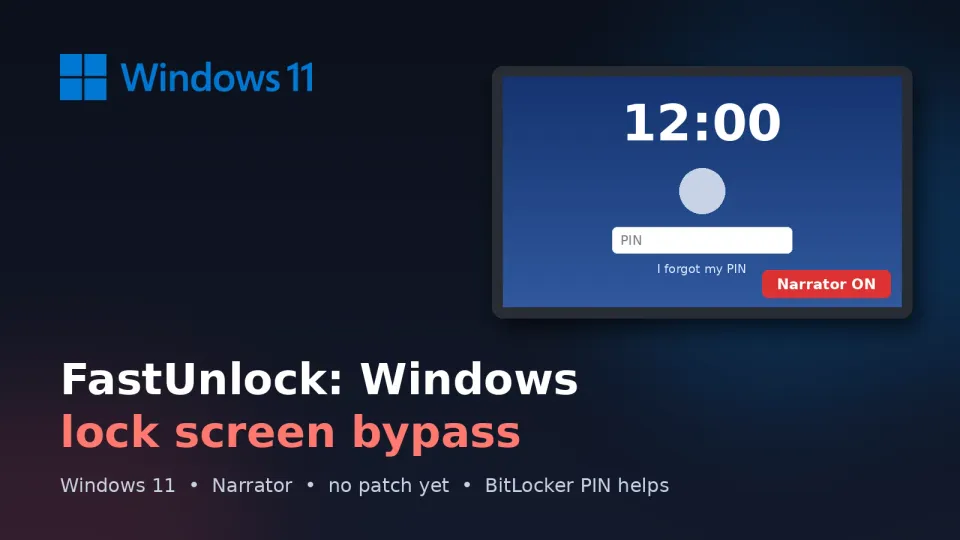
If you carry a Windows laptop around or leave a PC where other people can reach it, read this. A researcher has published a new, unpatched way past the Windows 11 lock screen called FastUnlock. It uses Narrator, the built-in screen reader, and it works even with BitLocker turned on and the November updates installed. Microsoft hasn't shipped a fix yet.
What happened
The researcher behind it goes by MSNightmare (or Nightmare Eclipse), and on November 19 he dropped a short write-up and a video on GitHub. I'm not going to repeat the button-by-button steps, but the gist is simple enough. You click "I forgot my PIN" on the sign-in screen, and while the Microsoft account recovery window is up, you turn on Narrator. Narrator grabs focus on a hidden window of its own. A bit of keyboard fiddling later, you're inside Settings, running as the lock screen's built-in account, WsiAccount. He says there are a few ways to launch a program from there; the one he demoed goes through File Explorer and a USB stick.
He thinks it comes down to Narrator's recent redesign: the new window just never got told not to open for the lock screen account. He tested on a fully BitLockered Windows 11 26H2 machine with November's patches and says the whole thing, from finding the bug to getting in, took him about five minutes.
And it's been checked. ThreatLocker's research team reproduced it on day one. In their test you end up in an account that is "not an administrator account", and while the real keyboard didn't type with Narrator in control, the on-screen keyboard worked fine. No fix from Microsoft yet, and per The Hacker News, no evidence of real-world attacks so far.
| Question | Short answer |
|---|---|
| Does someone need the PC in front of them? | Yes, physical access is required |
| Which accounts are exposed? | PCs with at least one user signed in with a Microsoft account |
| What access does it give? | Programs run as WsiAccount, a non-admin lock screen account |
| Does BitLocker stop it? | Not in the default TPM-only setup. A startup PIN helps if the PC was off or hibernated |
| Is there a patch? | Not as of November 20, 2026, and no CVE either |
Why it matters
A lot of us assume a locked, encrypted laptop is safe once it's out of our hands. Turned off, sure. Turned on, it's murkier. Most PCs use BitLocker in "TPM-only" mode, where the security chip quietly unlocks the drive during boot, so the disk is already readable when the lock screen shows up. Microsoft's own BitLocker countermeasures page calls that mode convenient but "less secure" than setups with a second factor.
To be fair, FastUnlock doesn't break the encryption at all. It just walks in after Windows has unlocked the drive itself. Still, a stranger running code on your laptop without knowing your password is bad news, and footholds like this tend to get chained with other bugs.
What to do
There's no patch to install yet, so this is about cutting down the chance and the window.
- Check how BitLocker unlocks. Open Terminal as administrator and run
manage-bde -protectors -get C:. If the only key protector you see (besides the recovery password) is "TPM", the drive unlocks without you. - Save your recovery key first. Before touching protectors, make sure you can find it. My guide on finding your BitLocker recovery key walks through every place it might be.
- Add a startup PIN (Pro, Enterprise, Education). In the Local Group Policy Editor, go to Computer Configuration > Administrative Templates > Windows Components > BitLocker Drive Encryption > Operating System Drives, enable Require additional authentication at startup and allow a startup PIN with TPM. Then run
manage-bde -protectors -add C: -TPMAndPINand choose a PIN. - Hibernate or shut down instead of sleeping. Microsoft points out that waking from sleep never asks for the startup PIN. A PIN only protects a PC that's off or hibernated, not one already sitting at the lock screen.
- Watch for the fix. The next Patch Tuesday is December 8. If Microsoft ships something earlier, install it as soon as it shows up in Windows Update.
My take
I wouldn't panic over this, but I wouldn't shrug it off either. If your desktop never leaves your bedroom, the realistic risk is close to zero. Who should care: people carrying laptops through airports, hotels, offices and colleges, plus anyone running reception desks, shared PCs or kiosk-style machines where a stranger gets a few unsupervised minutes.
The bigger lesson for me is that TPM-only BitLocker was always a convenience trade. It protects you against someone pulling out your SSD, but not really against someone who has the whole powered-on laptop. Lock screen bypasses through accessibility tools keep coming back for the same reason: the sign-in screen has to offer help features to people who can't sign in yet, and every one of those features is code running before you're authenticated. The researcher even mentions an older lock screen bug of his own (ZDI-21-1053), so this isn't new territory.
If your laptop travels, I think a startup PIN plus a lid action set to hibernate is the right move this week. It costs a few seconds each morning, which feels like a fair price. On Windows 11 Home with device encryption you don't get the Group Policy route, so for now the practical move there is to shut down fully when the laptop goes in a bag. If you manage PCs for a family business or a small office, this is a good week to block USB storage on shared machines and to check that BitLocker is really on everywhere. My Windows 11 fixes hub has more. And if a lock screen change leaves you stuck at sign-in, my Windows Hello PIN fix covers that. I'll update this post when Microsoft responds.

Comments ()